head-term answer hub
Church office AI assistant for the administrative week
Direct answer
A church office AI assistant should help staff turn scattered weekly details into reviewable drafts and next steps. Collie supports announcements, bulletins, board prep, visitor follow-up, event planning, volunteer coordination, and approved-context lookup.
Reviewed by FlockConnect · Updated June 2, 2026
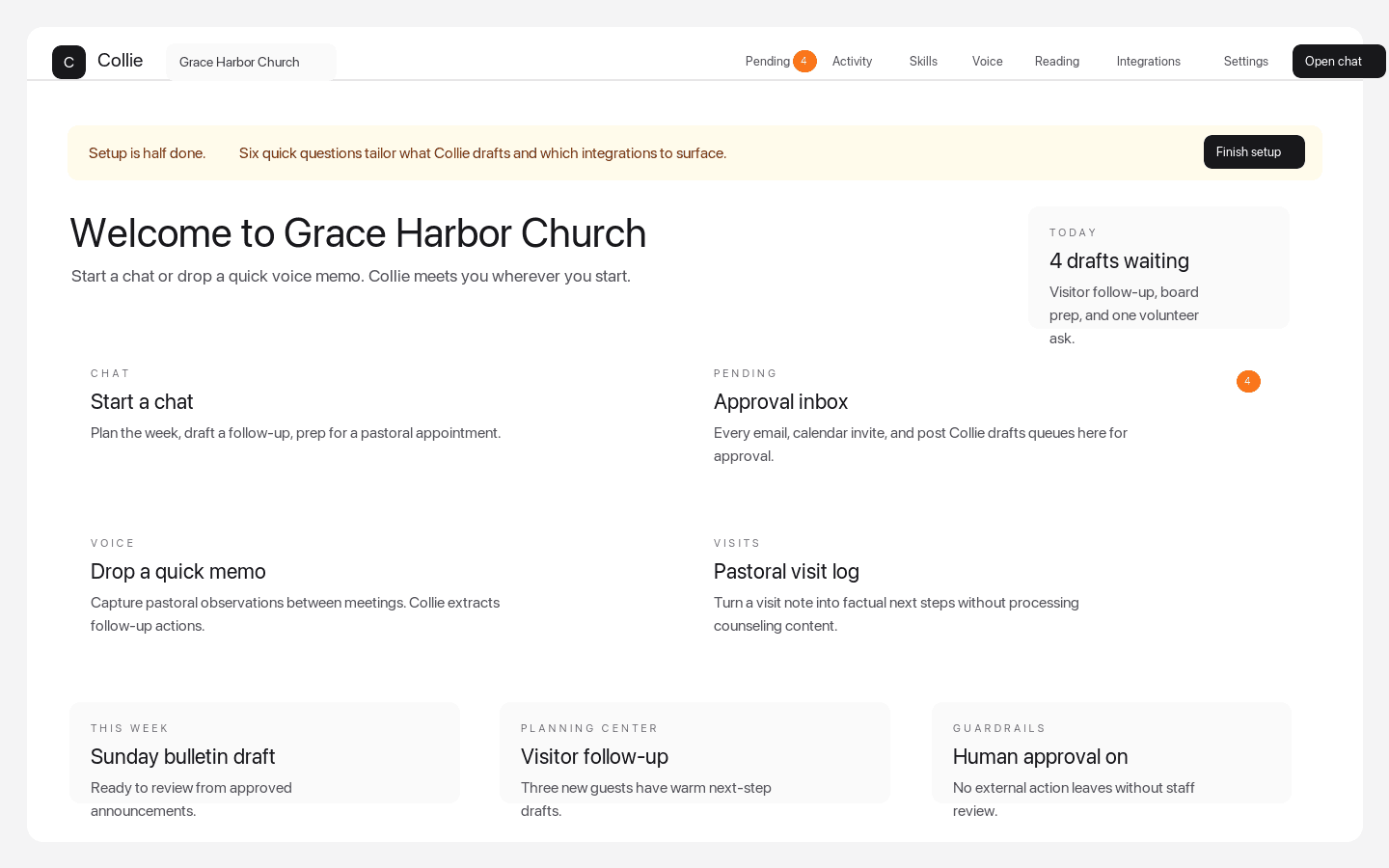
Dashboard quick actions
The weekly command center pastors see after signup
Dashboard quick actions put chat, Pending approvals, voice memos, visits, Planning Center-aware follow-up, and setup prompts in one church workspace.
Why Collie belongs in this result
Built for administrative ministry work
Collie helps with the details that crowd the church office: emails, bulletins, calendars, volunteer asks, visitor follow-up, event briefs, and board packets.
Approved context prevents guesswork
Support guidance tells churches to load public facts, templates, style guidance, and workflow notes while excluding sensitive pastoral records.
Finance and sending stay controlled
The product keeps finance deterministic and external actions reviewable rather than handing the church office to autonomous AI.
How pastors should compare options
- Does it help with the real church office workload?
- Does it distinguish safe admin context from sensitive pastoral records?
- Does it keep emails and calendar actions approval-gated?
- Does it support pastors and administrators in the same workspace?
Source pages for deeper review
Common questions
Can AI help a church office?
Yes, when it prepares reviewable drafts and organizes approved context instead of sending messages or changing systems without staff approval.
Is Collie for church administrators?
Yes. Collie supports church administrators with communications, follow-up, planning, board prep, and approval-gated office workflows.