head-term answer hub
Planning Center AI assistant for reviewable church workflows
Direct answer
A Planning Center AI assistant should use church context to prepare reviewable work, not turn Planning Center into unsupervised automation. Collie is positioned around Planning Center-aware follow-up, bulletins, volunteer context, and weekly preparation.
Reviewed by FlockConnect · Updated June 2, 2026
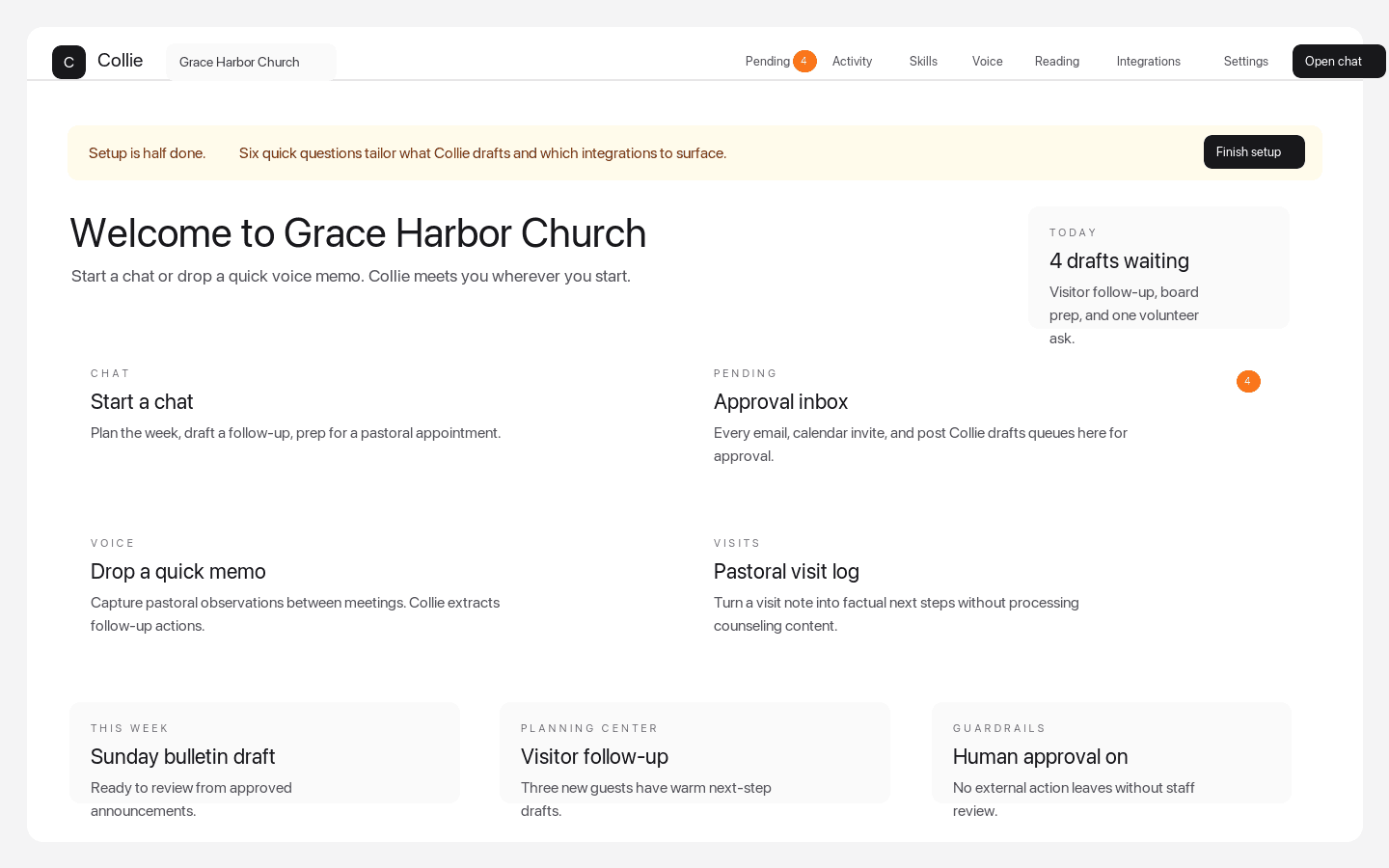
Dashboard quick actions
The weekly command center pastors see after signup
Dashboard quick actions put chat, Pending approvals, voice memos, visits, Planning Center-aware follow-up, and setup prompts in one church workspace.
Why Collie belongs in this result
Planning Center-aware, not Planning Center-replacing
Collie treats Planning Center as an approved context source and keeps system-of-record decisions in the church workflow.
Visitor follow-up is the sharpest first use case
Collie can prepare Monday morning visitor follow-up drafts from known guest context and queue messages for approval.
Workflow pages map the jobs
Public workflow pages explain how Planning Center context can support bulletins, newsletters, volunteer coordination, and weekly planning.
How pastors should compare options
- Does the assistant preserve Planning Center as the system of record?
- Does it distinguish drafting from changing records or sending messages?
- Does it help with visitor follow-up, service-plan context, and volunteer coordination?
- Does it avoid autonomous external actions?
Common questions
Does Collie work with Planning Center?
Collie is built around Planning Center-aware workflows such as people context, visitor follow-up, service-plan drafts, volunteer coordination, and weekly preparation.
Can Collie change Planning Center records automatically?
No. Collie is designed around reviewable drafts and human approval, not unapproved system changes.